 Photo Vault
 combines an app lock with encrypted local media and metadata. Secure Share adds separate password- or pattern-based protection for an archive you choose to export.
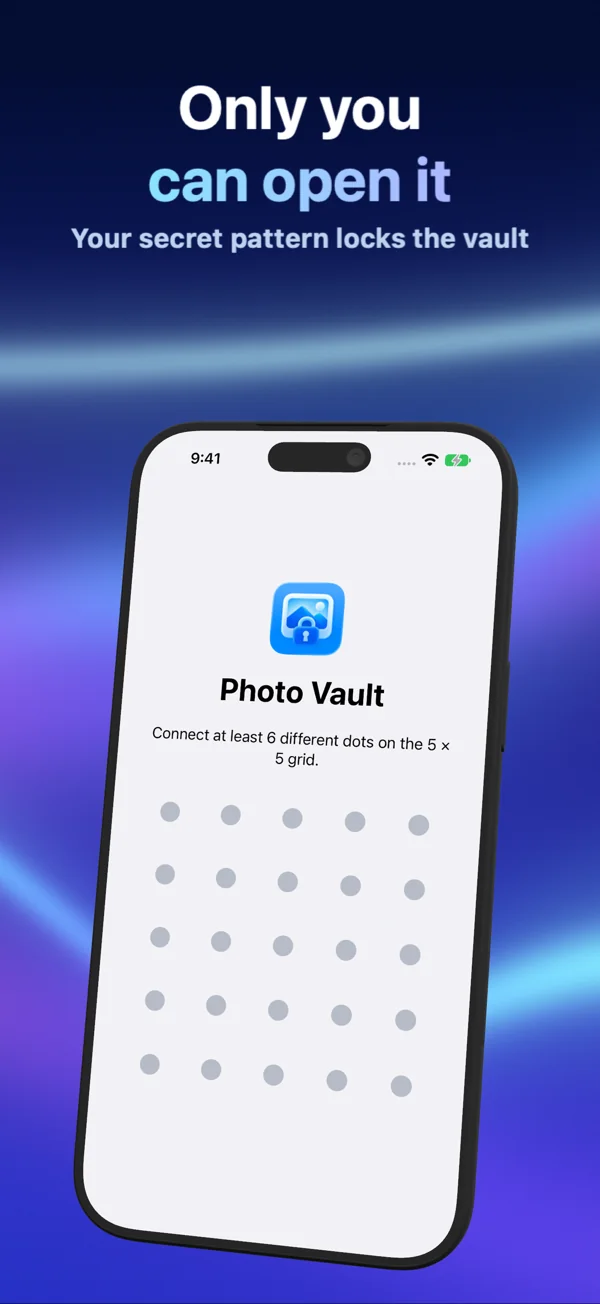
Your app lock
Choose a password, a pattern or supported device authentication. The app requires the saved unlock method on launch and when returning from the background. System authentication is handled by Apple; Photo Vault does not receive biometric templates.
Encrypted local storage
The media container and metadata index are encrypted using AES-256-GCM. Local keys are protected by an installation key in the device Keychain. Your app-lock password or pattern controls access to the interface; it is separate from this installation key.
Secure Share is portable
Secure Share creates an encrypted archive with a password or pattern you choose for that export. Secure Import opens it using the same credential. The portable archive uses credential-derived encryption rather than requiring the original device’s installation key. Send the file and credential separately.
What remains outside the vault
Originals in Photos, ordinary exports and copies in sharing destinations are separate from the local encrypted archive. Viewing and exporting can create temporary readable working files. App protection cannot guarantee security on a compromised or already-unlocked device.
Keep a recoverable copy
The installation key is device-only. Copying the local encrypted files is not a substitute for a tested export. Keep independent originals or a verified secure archive and its credential. In-app deletion is permanent after confirmation.