 Photo Vault
 does not automatically synchronize libraries. Secure Share and Secure Import let you transfer selected media as a protected file; each device then keeps its own copy.
What a second installation contains
A fresh installation does not fetch your gallery simply because both devices use the same Apple Account. Photo Vault does not operate an account-based gallery service.
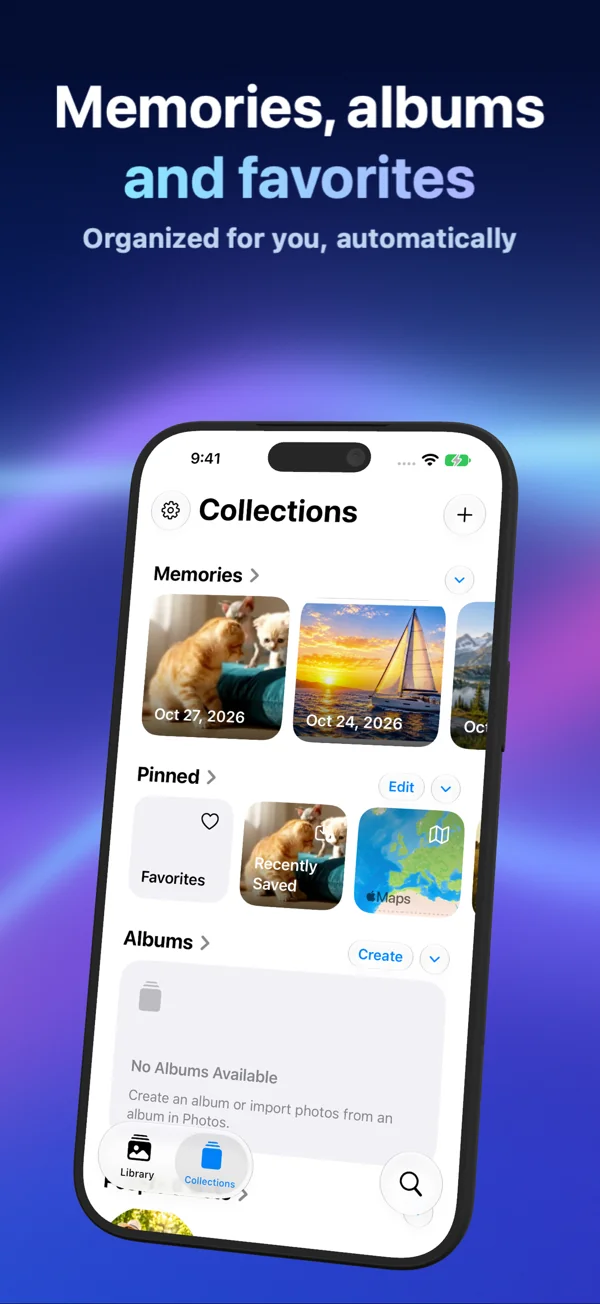
Move selected media deliberately
Create a .pvsecure archive with Secure Share on the first device. Open it through Secure Import on the second device using the matching password or pattern. Try a small sample and verify playback and metadata before transferring the rest.
Copies do not stay synchronized
A later edit or deletion on one device does not update the other. Repeat imports can introduce additional copies; review the destination before repeating a transfer. Do not treat a manual transfer as a shared, continuously updated library.
Backups need their own check
Keep a usable export and its credential, or independent originals. The local archive relies on a device-only installation key, so raw file copying and operating-system backup restoration are not equivalent to a tested secure export and import.
Choose the workflow that fits
Use manual transfer when you want to choose what goes to another device. If you need continuous multi-device synchronization, compare services that explicitly offer it and examine how they handle encryption, deletion and recovery.
Sources & further reading
- Apple: Set up and use iCloud Photos
- Vaultaire: Device Sync
- Private Photo Vault: Device Sync
- York Vault: Sync across devices